
Work Breakdown Structure Template Maker
Free, no sign-up, nothing uploaded: type an indented outline and your browser turns it into a numbered WBS chart, with the days added up from every work package.
Free · runs in your browser · nothing is uploaded
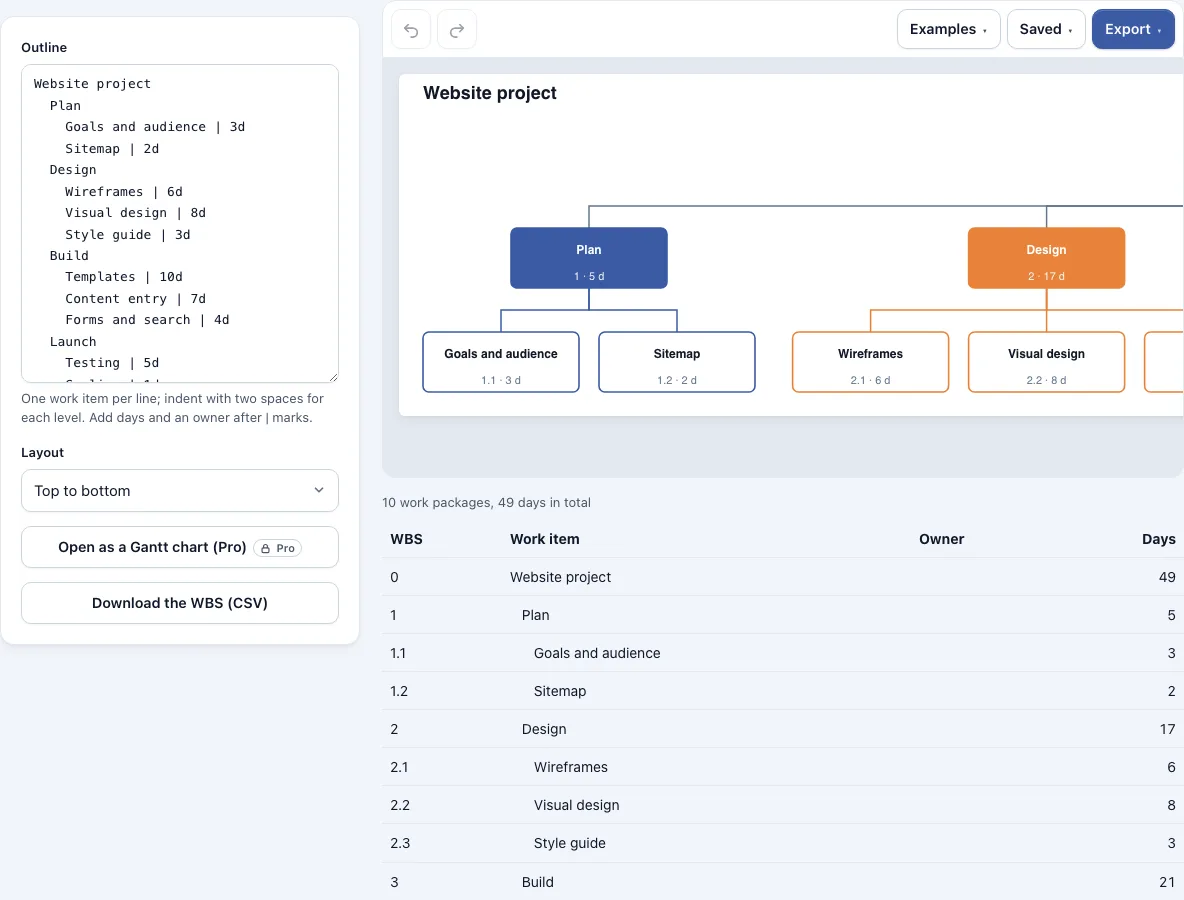
How to use the Work Breakdown Structure Maker
- Open the tool and either load a built-in example template or clear the editor and type your own outline.
- Write one work item per line. Indent child items by two spaces for each level. The tool supports up to 8 levels below the top and 200 items.
- Add days after a | mark, for example
Plan | 5d | Ann. Put the owner after a second | mark. - Add
parallelafter a | mark on a parent whose items run side by side. It only affects the Pro Gantt chart. - If you paste text from a document, leave bullets and numbering such as 1. or 1.2 in place. The tool ignores them.
- Read the chart. It numbers items automatically (1, 1.1, 1.2) and adds days up from the work packages to the top.
- Choose a top-to-bottom or left-to-right layout.
- Check the list under the chart, which shows number, item, owner and days.
- Export the chart as PNG at 1x, 2x or 4x, as SVG, or as a picture PDF. Download the list as CSV if you need the figures in a spreadsheet.
Your work autosaves in this browser, and the Saved menu keeps named copies. To share a plan, create a share link. The document is held inside the link itself, so the person you send it to does not need an account.
How to write a work breakdown structure?
To write a work breakdown structure, start with the final deliverable at the top, split it into its major parts, and keep splitting until each lowest item is a work package that one person or team can estimate and finish. Then confirm that the children of every item add up to all of that item’s work. The steps below follow that order.
- Name the final deliverable as the top item.
- Split it into the major deliverables or phases that make it up.
- Split each of those again. Stop when an item is a work package, the lowest item in the WBS.
- Apply the 100% rule at every parent. Its children must cover all of its work, with nothing missing and nothing counted twice. The PMI Practice Standard for Work Breakdown Structures sets out this rule.
- Number the items and total the days. In this tool, the outline you type becomes the numbered chart with the roll-up applied.
Name items as deliverables, such as “Wireframes”, rather than actions such as “Draw wireframes”. That keeps the structure focused on what the project produces.
How are work breakdown structure templates formatted?
A WBS template is usually laid out as an indented outline, a numbered tree chart, or a list of items with owners and durations. This tool produces all three from one outline: you type the outline, the chart shows the numbers and roll-up, and the list under it gives the details.
| Format | What it shows | Where it appears in this tool |
|---|---|---|
| Indented outline | Items nested two spaces deeper per level | The input you type |
| Numbered chart | Numbers such as 1, 1.1, 1.2 and days rolled up to the top | The chart, top to bottom or left to right |
| Item list | Number, item, owner and days | The list under the chart, downloadable as CSV |
Here is a small website example. The outline is Website with Plan 5, Design (Wireframes 8, Visuals 7) and Build 20.
| Item | Number | Days |
|---|---|---|
| Website (top) | 0 | 40 |
| Plan | 1 | 5 |
| Design | 2 | 15 |
| Wireframes | 2.1 | 8 |
| Visuals | 2.2 | 7 |
| Build | 3 | 20 |
Design shows 15 days because it rolls up its two children. The project totals 40 days across 4 work packages. Days go on work packages, and days typed on a parent are not used. Weeks and hours also work: 2w counts as 10 days and 16h as 2. A plain number such as 2024 Budget stays in the name, and a note tells you when an outline goes past the limits.
Frequently asked questions
Why use a work breakdown structure template?
A template gives you a working outline to start from, so you are not building the layout from nothing. Changing the days or items updates the roll-up, which keeps the project total current as the plan changes.
Who uses a WBS template?
Project managers, team leads and planners use it most often, usually at the planning stage. Anyone who needs to see a project split into parts, with an owner and days for each part, can use it.
What’s inside the WBS template?
The built-in examples give you a complete outline to edit, such as Website project, Product launch or Mobile app development. The chart, the list under it and the exports all update as you change the outline. Each line can carry days and an owner.
What are the 5 steps of WBS?
There is no single fixed count of steps. Follow the order in the guide above: name the final deliverable, split it, stop at work packages, check the 100% rule, then number the items and total the days.
Can I use a WBS in Excel?
Yes. Build the outline here, then download the list under the chart as CSV, which opens in Excel and other spreadsheet programs.
Is the WBS template free to use?
Yes. The outline, numbering, roll-up, PNG, SVG and picture PDF exports are free, with no watermark and no account. You may use the results commercially without attribution. Pro adds a Gantt chart with one task per work package, a vector PDF and an editable .drawio file.
Related tools
Timelines, Org Charts & Business Frameworks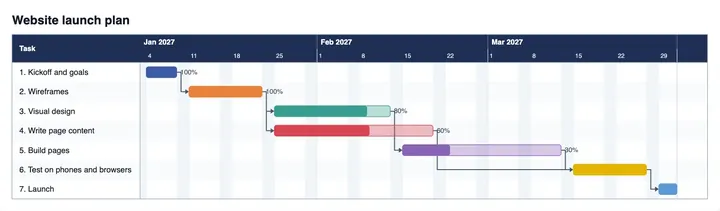
Gantt Chart Maker
use it when you need to schedule the work packages on a timeline.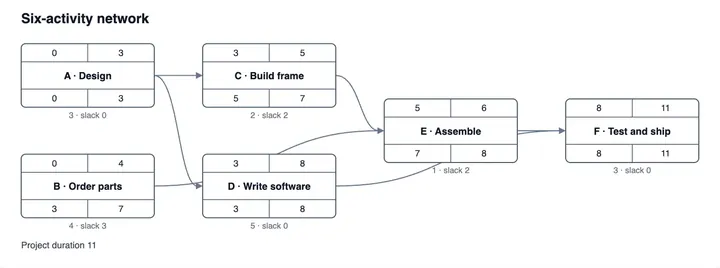
PERT Chart Maker
use it when task order and dependencies matter more than the breakdown itself.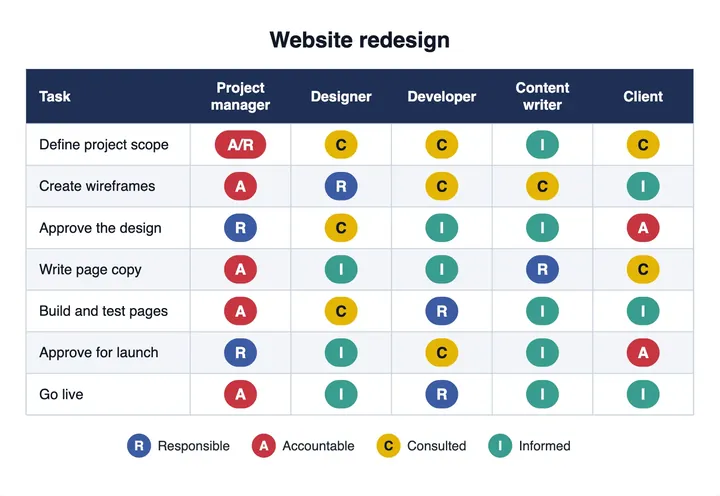
RACI Matrix Maker
use it to assign who is responsible, accountable, consulted and informed for each work package.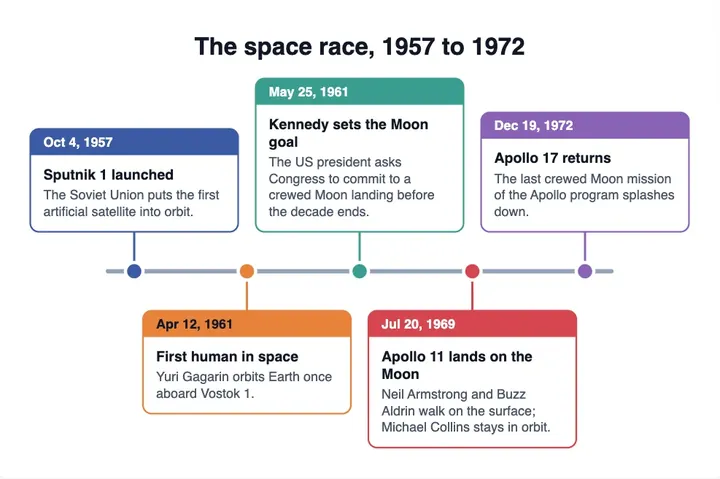
Timeline Maker
use it to place events or stages along a line of dates.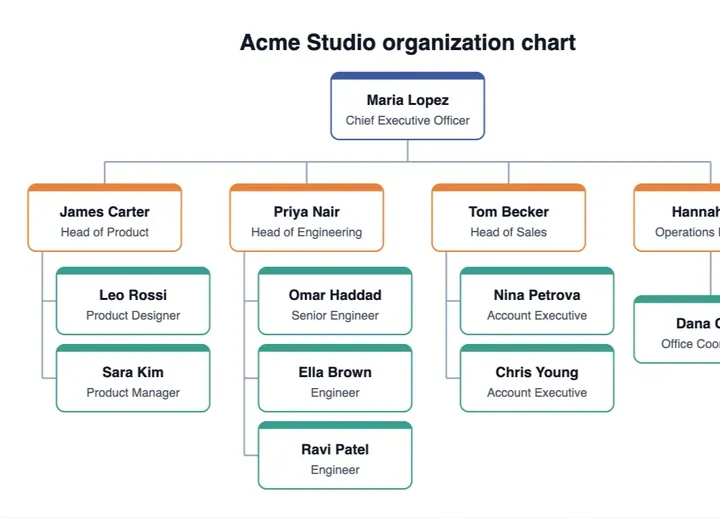
Org Chart Maker
use it to show reporting lines between people and teams.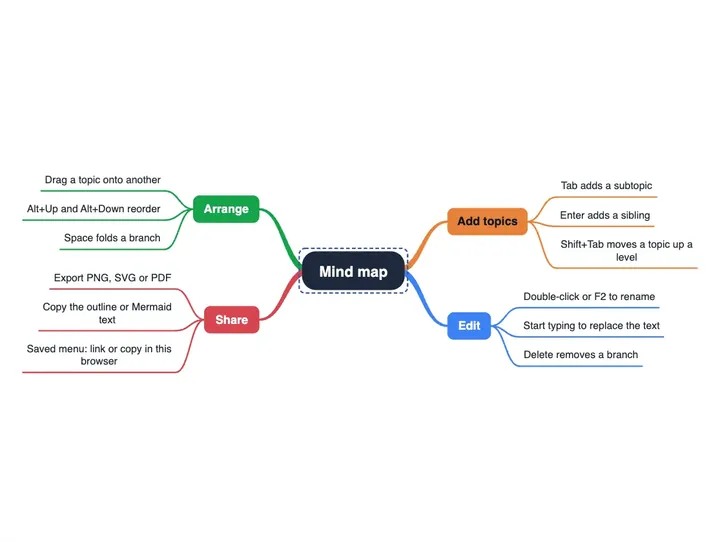
Mind Map Maker
use it to brainstorm project ideas before you organise them into a breakdown.