
Visio Viewer
Free, no sign-up, not uploaded: choose a .vsdx file and your browser reads its pages and draws them, with no Visio licence needed.
Free · runs in your browser · nothing is uploaded
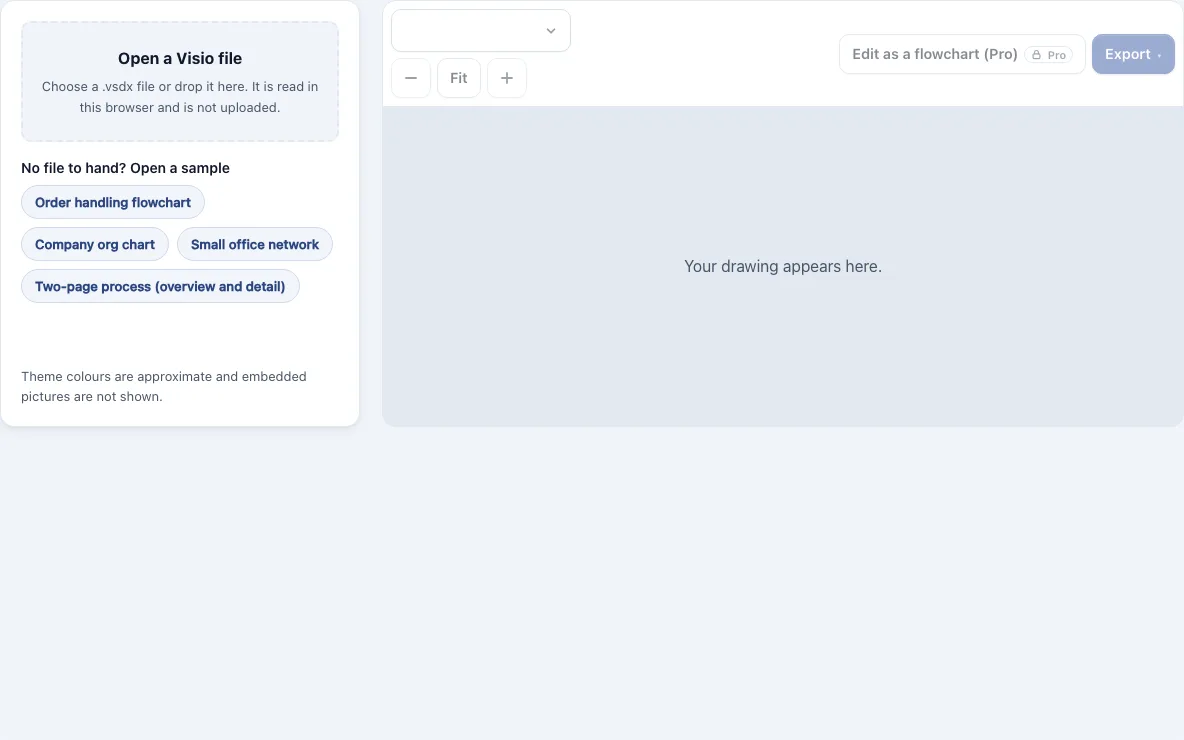
How to use the Visio Viewer
- Use the file drop area on this page to choose a file, or drag a .vsdx or .vsdm file onto it.
- Wait while the file is read in your browser. The file must be 50 MB or smaller. If it cannot be read, the page says why, for example when the file is damaged or in an older format.
- If the drawing has several pages, open the Page list and choose the one you want. Background pages are not listed in it. What they hold is drawn behind the page that uses them, as in Visio.
- Use the zoom buttons to zoom in or out, or press Fit to fit the page to the window.
- Check the panel, which shows the number of pages, shapes and connectors read. Notes under it say what was left out, such as embedded pictures.
- Export the current page as a PNG at 1x, 2x or 4x, as an SVG, or as a picture PDF. These free exports have no watermark, and the file name follows the Visio file.
- If you have Pro, you can also export an editable .drawio file, a vector PDF, or all pages in one PDF, and use Edit as a flowchart to open the drawing in the Flowchart Maker.
What is inside a .vsdx file, and why can a browser read it?
A .vsdx file is a zip package of XML parts, so the viewer can open it without Visio. The pages sit in visio/pages and the stencil masters sit in visio/masters. The tool reads the geometry stored there, including lines, arcs, ellipses and curves, and follows groups, rotation, flips and master shapes. Because of this, stencil artwork keeps its outline. Colours come from the file’s theme and its variation, and shapes on hidden layers are left out. A gradient is drawn as one colour, fill patterns are drawn solid, and shadows, embedded pictures and OLE objects are not drawn; the page says how many pictures it left out. The first 30 pages of a file are read, and a note says so if there are more. Check colours against the original before relying on them. In a .drawio file and in the editor, stencil artwork becomes plain flowchart shapes and theme colours are not carried over.
Which Visio file types open here, and what should you do with the rest?
Only .vsdx and .vsdm files open in this viewer, up to 50 MB each. Older binary formats cannot be read at all. The page says so when you pick one of them, and asks you to save it as .vsdx in Visio first.
| File type | Opens here? | What to do |
|---|---|---|
| .vsdx | Yes, up to 50 MB | Open it as it is |
| .vsdm | Yes, up to 50 MB | Open it as it is |
| .vsd | No | Open in Visio, save as .vsdx, then open it here |
| .vss | No | Open in Visio, save as .vsdx, then open it here |
| .vst | No | Open in Visio, save as .vsdx, then open it here |
| .vdx | No | Open in Visio, save as .vsdx, then open it here |
How do I open a Visio file without Visio?
You can open a .vsdx file without Visio by choosing it on this page, where it is drawn in your browser. There is nothing to install and no account to create. If you have no file to hand, the page opens a built-in sample when it loads, marked as a sample, and choosing your file replaces it. Four samples are built in (an order flowchart, an org chart, an office network and a two-page process); the buttons above the drawing switch between them.
To send the drawing to someone who has no Visio either, export it as a PDF or PNG. A PDF of the current page is free, and it opens on any computer or phone.
What this does not do
- It does not open older binary files. .vsd, .vss, .vst and .vdx must be saved as .vsdx in Visio first, and a file over 50 MB is refused.
- It does not draw everything. Gradients become one colour, fill patterns are drawn solid, and shadows, embedded pictures and OLE objects are left out. The page says how many pictures it skipped.
- It reads the first 30 pages of a file, and a note says so if there are more.
- It does not edit or save .vsdx files. You can export PNG, SVG or a picture PDF; with Pro, an editable .drawio file or a flowchart to edit, where stencil artwork becomes plain shapes and theme colours are not carried over.
- It has been checked against thumbnails stored by Visio in sample files, not against Visio itself, so check colours against the original.
Frequently asked questions
Is there a free Visio viewer?
Yes. This page views .vsdx and .vsdm files at no cost. Free exports include PNG at 1x, 2x and 4x, SVG, and a picture PDF of the current page, with no watermark.
Do I need Visio or a Microsoft account to open a Visio file here?
No. The file is read in your browser, so you need neither a Visio licence nor a Microsoft account. The file must be .vsdx or .vsdm and 50 MB or smaller.
Is Visio Viewer the same as Visio?
No, this page is a separate browser tool. It reads the drawing file directly and draws it, while Visio is Microsoft’s full diagram program for creating and editing drawings.
What programs can open a Visio file?
Microsoft Visio opens these files, and so do other programs that read the .vsdx format. This browser viewer also opens .vsdx and .vsdm files with no install. Older .vsd files need Visio to save them as .vsdx before they can be opened here.
How do I view a Visio file online?
Choose the file on this page or drag it onto the drop area. It is drawn in your browser, and nothing is uploaded to a server. The numbered steps above cover the rest.
Will every shape and picture appear?
Shapes keep their outlines and take their colours from the file’s theme. A gradient is drawn as one colour, and shadows are not drawn. Embedded pictures and OLE objects are not drawn, and the page says how many were left out. Check colours against the original before relying on them.
Can I use the results commercially?
Yes. Results may be used commercially without attribution.
Related tools
Diagram Converters & File Viewers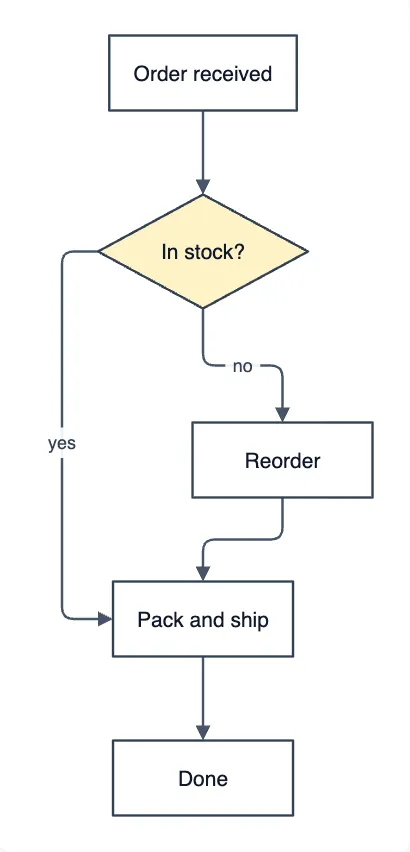
Mermaid to draw.io Converter
use it when your diagram starts as Mermaid text and needs to become an editable draw.io file.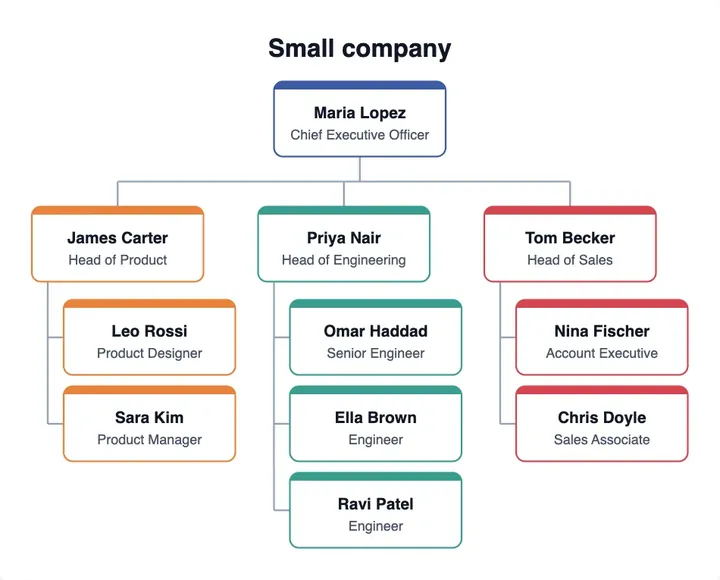
Org Chart from Excel
use it to build an org chart from a spreadsheet of names and managers.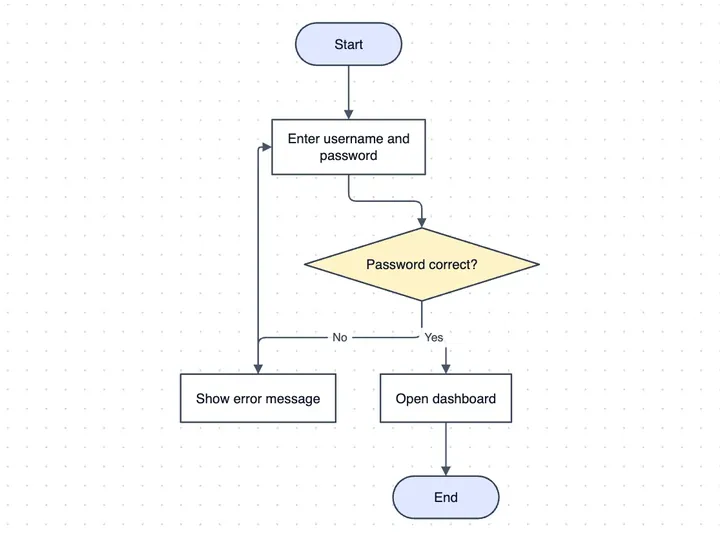
Flowchart Maker
use it to build a flowchart from scratch or to continue a drawing opened from a Visio file.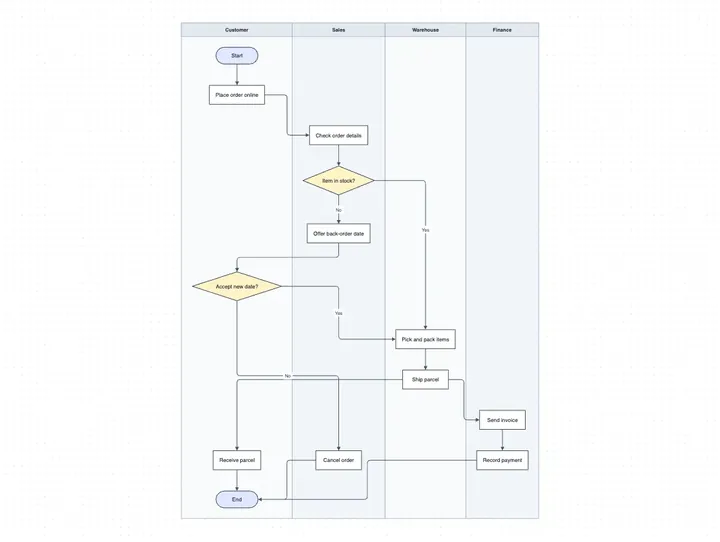
Swimlane Diagram Maker
use it when you need a process laid out across roles or departments.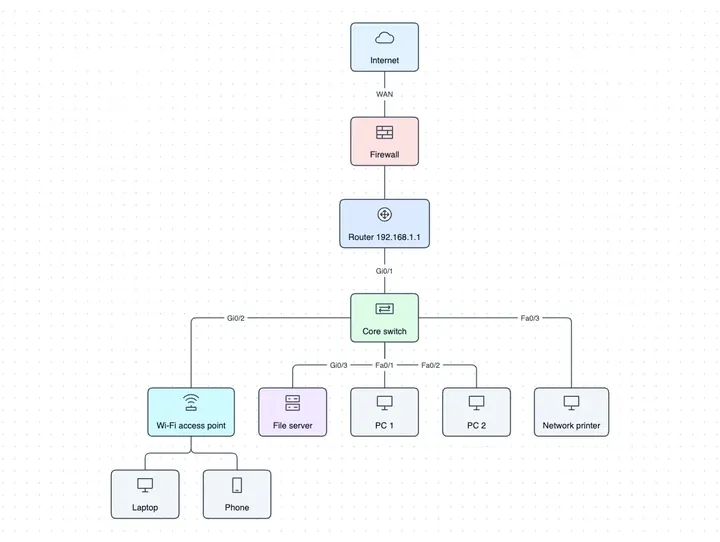
Network Diagram Maker
use it to draw servers, devices and links for an office or data network.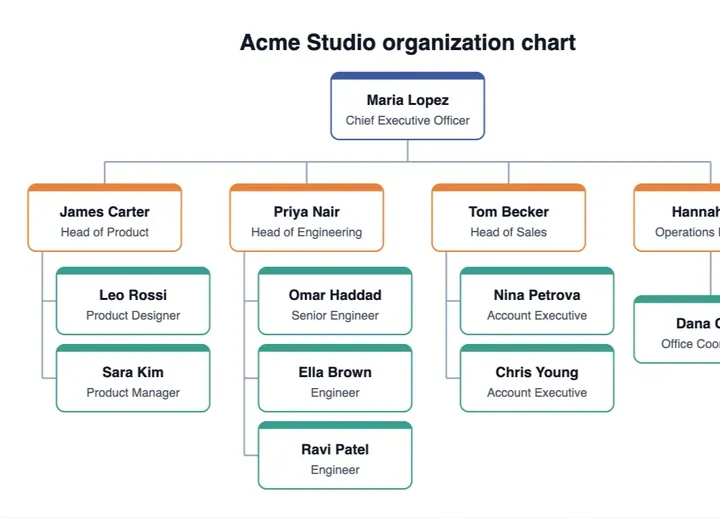
Org Chart Maker
use it to create an organisation chart with reporting lines.