
PlantUML Online Editor
Free, no sign-up, nothing uploaded: type or paste PlantUML and a reader in your browser draws the diagram as you write, ready to edit by hand.
Free · runs in your browser · nothing is uploaded
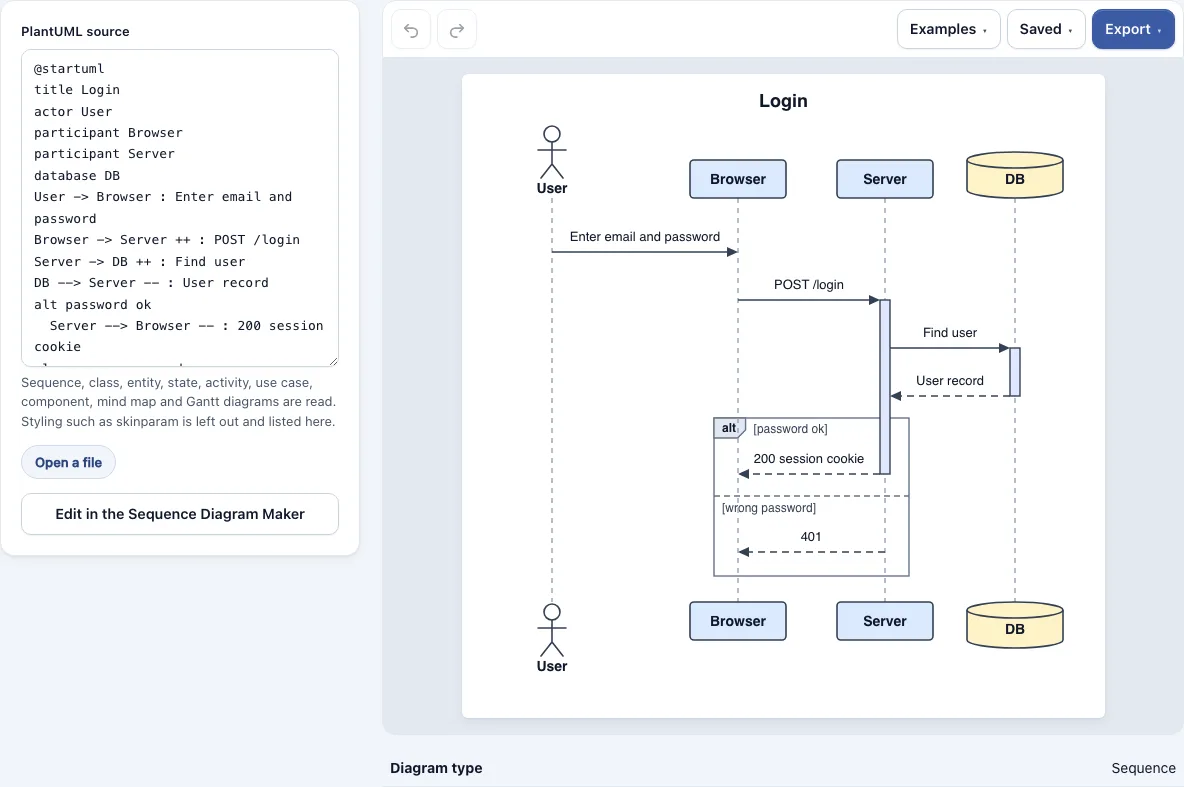
How to use the PlantUML Editor
- Open the page and type or paste your PlantUML between @startuml and @enduml.
- To work on an existing file, open a .puml, .plantuml, .pu, .iuml or .txt file instead.
- Keep typing. The diagram redraws as you go, so a syntax problem shows up in the preview right away.
- Check the preview panel and the notes listed under the diagram for what was skipped.
- Click the Edit button under the text. It names the matching tool, such as Edit in the Sequence Diagram Maker, and opens the diagram there to change by hand. This is free.
- Download the result as a PNG at 1x, 2x or 4x, as an SVG, or as a picture PDF. None of these carry a watermark.
- Use the Examples menu to load a working sequence, class, entity, state or activity sample when you want to see the syntax this editor reads, then change it line by line.
Your work autosaves in this browser, and the Saved menu keeps named copies. To share a diagram, create a share link from the Saved menu. The link itself holds the document, so the person you send it to does not need an account and nothing is stored on a server.
What is a PlantUML online editor?
A PlantUML online editor is a browser-based workspace for writing PlantUML text, previewing the diagram it describes, and exporting the picture. You do not need a local PlantUML installation, Java, or a server of your own. This editor follows that model: you type between @startuml and @enduml, and the drawing updates as you go.
PlantUML is a text language. Lines between the start and end markers describe participants, classes, states or steps. Because the source is plain text, you can keep it in version control, paste it into a chat, or change one word and see the effect straight away.
This editor is a reader written for this site, not the PlantUML Java program. It covers common syntax, but styling such as skinparam, colours and notes on classes is left out. Most of what is skipped is listed under the diagram, so you can see what did not carry over; box titles and stereotypes on participants are dropped without a note. If a file holds several @startuml blocks, the first is drawn and a note says so. The old activity syntax with (*) is refused with a message.
Which PlantUML diagram types can I edit here?
You can edit sequence, class, entity (ER), state, activity, use case, component, mind map (@startmindmap) and Gantt (@startgantt) diagrams here. Node, database and cloud shapes from deployment diagrams are read as components. Timing diagrams are refused with a message. Each supported type opens in its matching tool with the Edit button.
| Diagram type | Read by this editor | Edit button opens |
|---|---|---|
| Sequence | Yes | Sequence Diagram Maker |
| Class | Yes | UML Class Diagram Maker |
| Entity (ER) | Yes | ER Diagram Maker |
| Activity | Yes | Flowchart Maker |
| Use case | Yes | Use Case Diagram Maker |
| Component | Yes | Flowchart Maker |
| State | Yes | State Diagram Maker |
| Mind map (@startmindmap) | Yes | Mind Map Maker |
| Gantt (@startgantt) | Yes | Gantt Chart Maker |
| Deployment | Read as a component diagram | Flowchart Maker |
| Timing | Refused with a message | Not available |
Each diagram is drawn by this site’s own tool for its type, so spacing and arrow placement may differ from PlantUML’s output.
What this does not do
- It is not the PlantUML Java program, so spacing and arrows differ from PlantUML’s own output.
- It leaves out styling such as skinparam, colours and notes on classes. Most of what is skipped is listed under the diagram; box titles and stereotypes on participants are dropped without a note.
- It draws only the first @startuml block of a file, with a note.
- It refuses timing diagrams and the old activity syntax with (*), and reads deployment shapes as components.
Frequently asked questions
Is this a free PlantUML editor?
Yes. Drawing, editing, PNG, SVG and picture PDF exports are free, with no watermark and no account. The Pro option adds a vector PDF and an editable .drawio file. Results may be used commercially without attribution.
Do I need to install Java or Graphviz?
No. The preview and export run in your browser, so there is no Java, Graphviz or IDE extension to set up.
Do I need to run my own PlantUML server?
No. Some tools send your text to a PlantUML server. This editor reads the text in the browser, so no server setup is needed.
Can I use this page as a PlantUML viewer?
Yes. Paste existing PlantUML source between @startuml and @enduml, or open a .puml, .plantuml, .pu, .iuml or .txt file, then check the preview panel for the rendered result.
Can I open a PlantUML file from my computer?
Yes. Open a .puml, .plantuml, .pu, .iuml or .txt file and the diagram is drawn from its text. Save any changes as a named copy in the Saved menu.
Is my diagram text uploaded anywhere?
No. The tool runs entirely in the browser, and nothing you type or open is uploaded to a server. Your work autosaves in this browser.
Can I edit a diagram by hand after it renders?
Yes. The Edit button opens the diagram in the matching tool, such as the Sequence Diagram Maker or UML Class Diagram Maker. Editing there is free.
Does the editor support skinparam and colours?
Not fully. Styling such as skinparam, colours and notes on classes is left out, and the editor lists most of what it skipped under the diagram (box titles and stereotypes are dropped without a note).
Related tools
Diagram Converters & File Viewers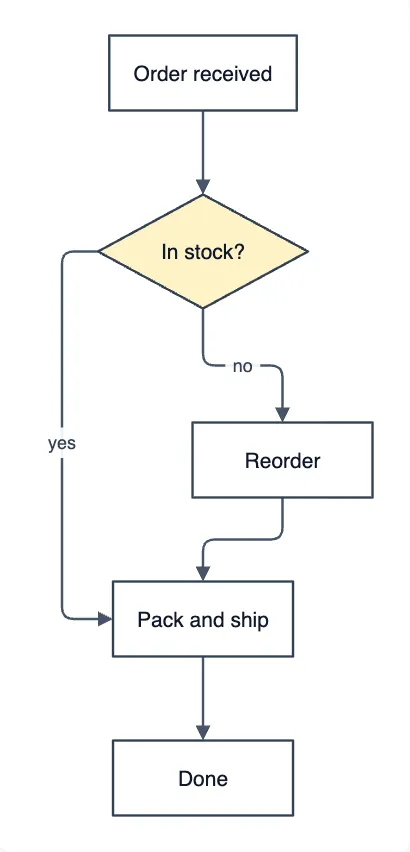
Mermaid to draw.io Converter
use it when your diagram source is written in Mermaid rather than PlantUML.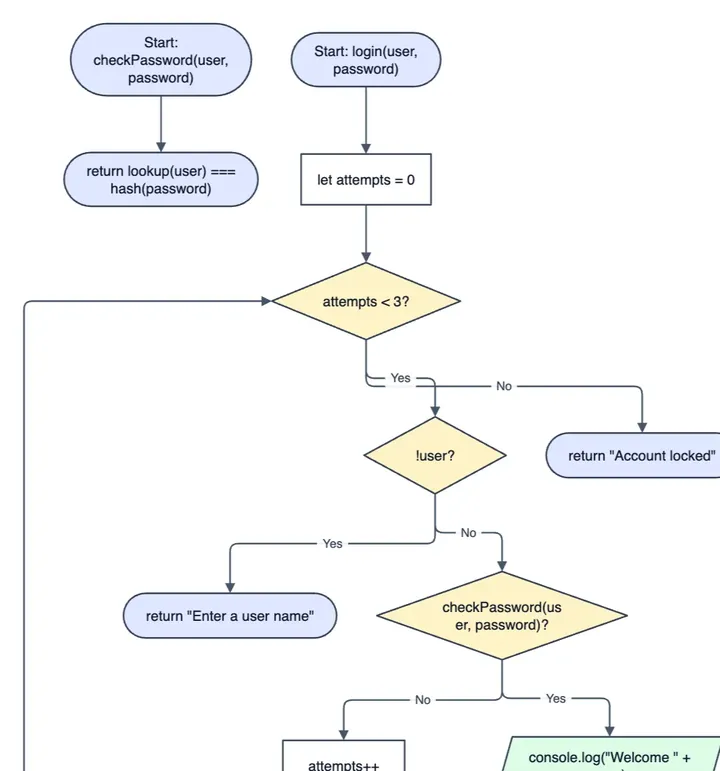
Code to Flowchart
use it to turn code into a flowchart of its logic.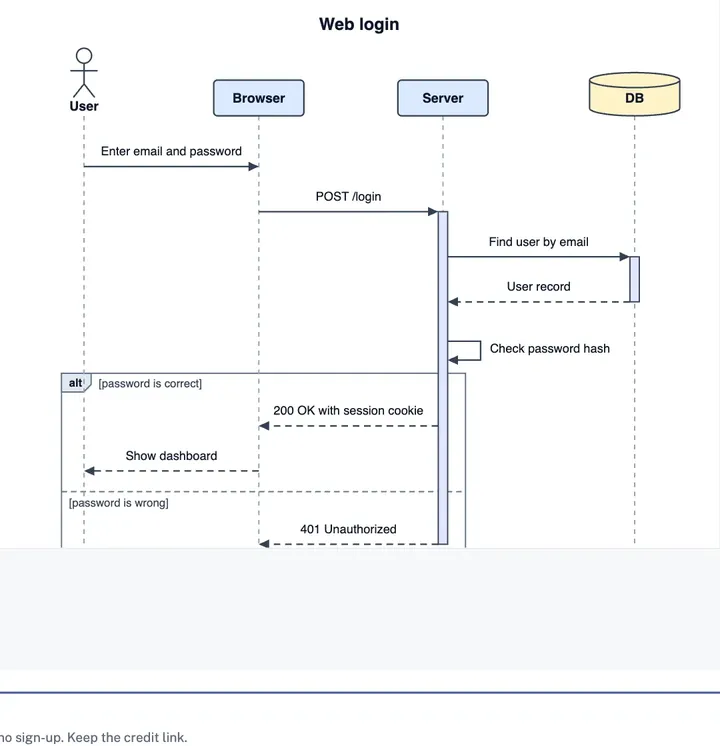
Sequence Diagram Maker
use it when you want to draw or hand-edit message flows between participants.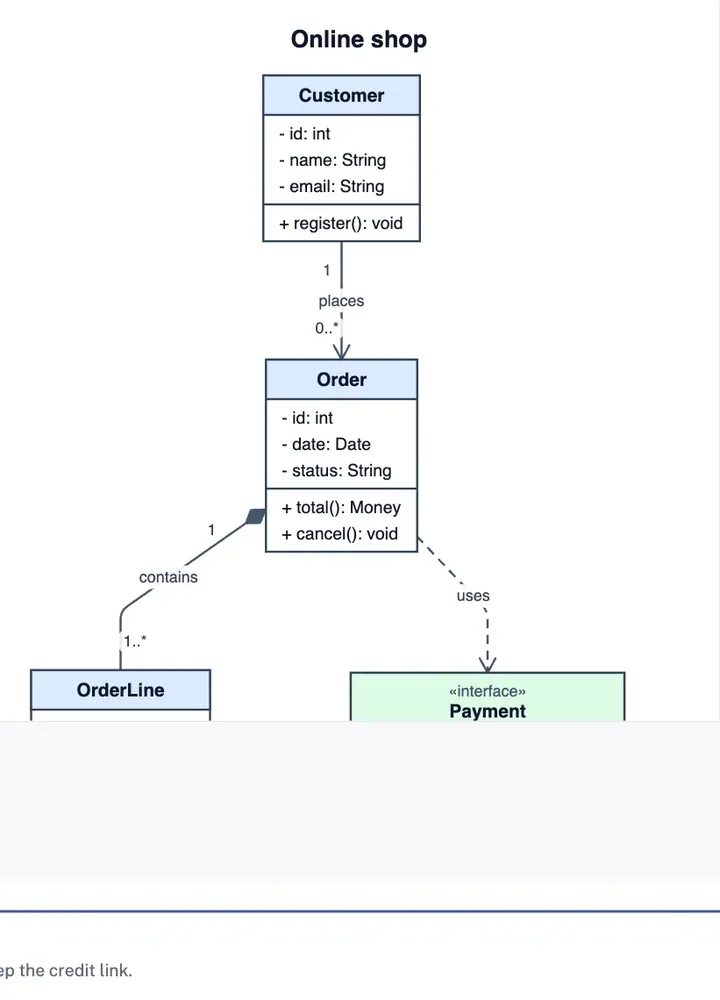
UML Class Diagram Maker
use it to adjust class boxes and relationships after a PlantUML class diagram renders.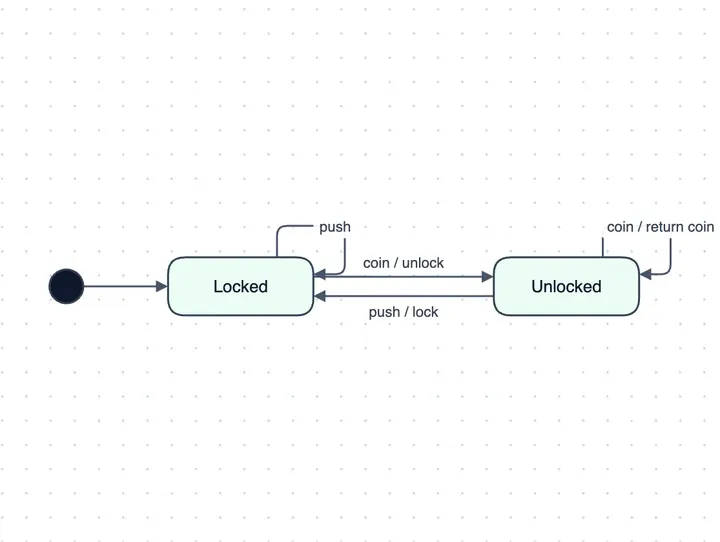
State Diagram Maker
use it to refine state machines you started in PlantUML.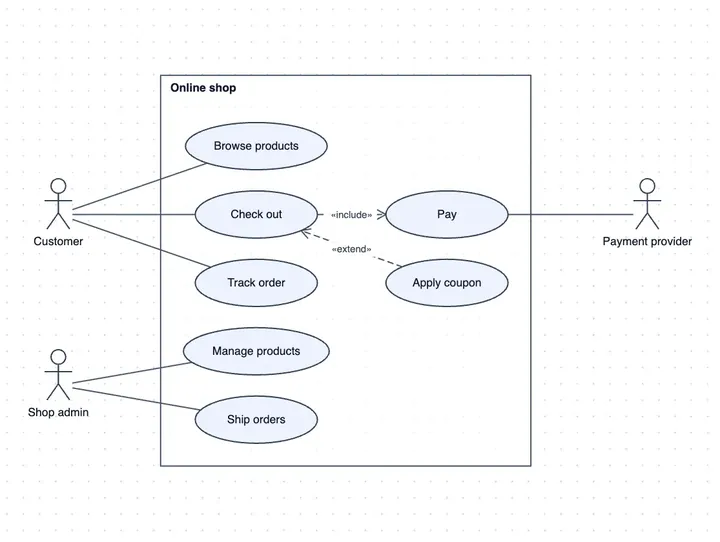
Use Case Diagram Maker
use it to edit actors and use cases by hand.