
Diagram Converters & File Viewers
Free online converters for diagrams: open Visio files, turn SQL, Mermaid, code and spreadsheets into diagrams, and export PNG, SVG or PDF.
Tools in this group
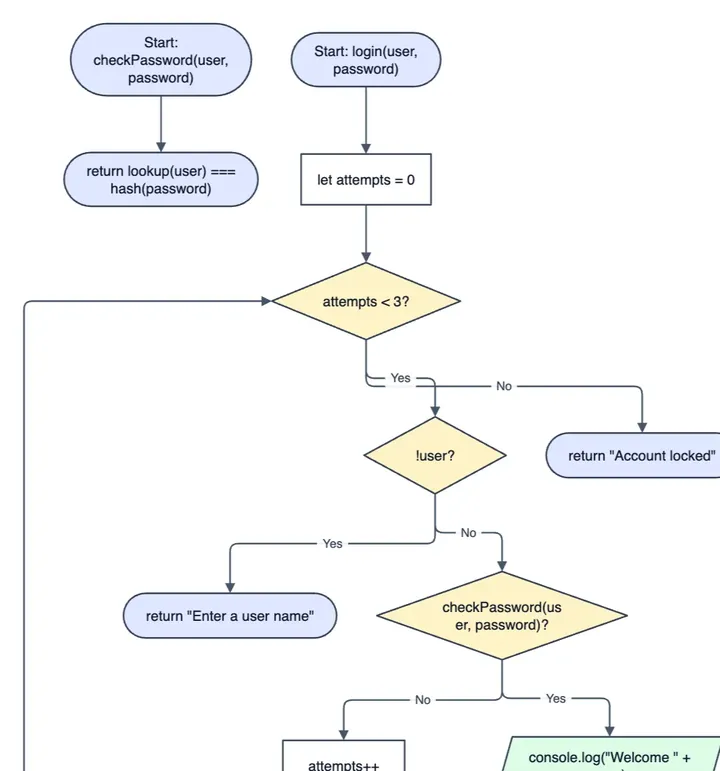
Code to Flowchart
Turn code into a flowchart
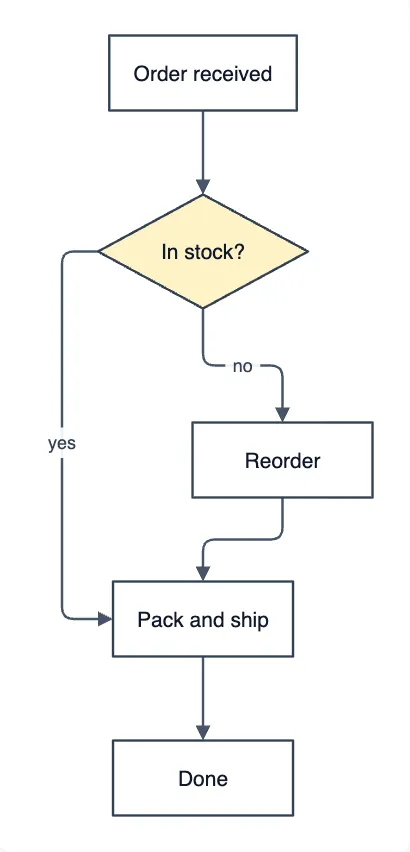
Mermaid to draw.io Converter
Mermaid code to editable shapes
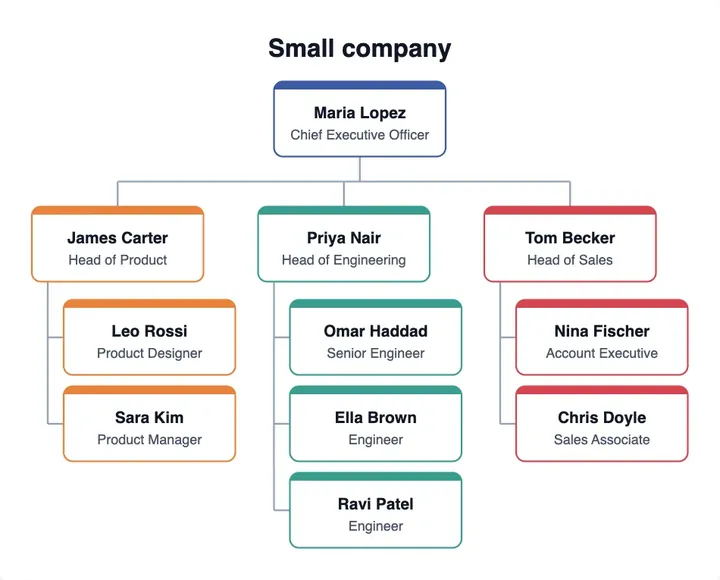
Org Chart from Excel
Paste a sheet, get an org chart
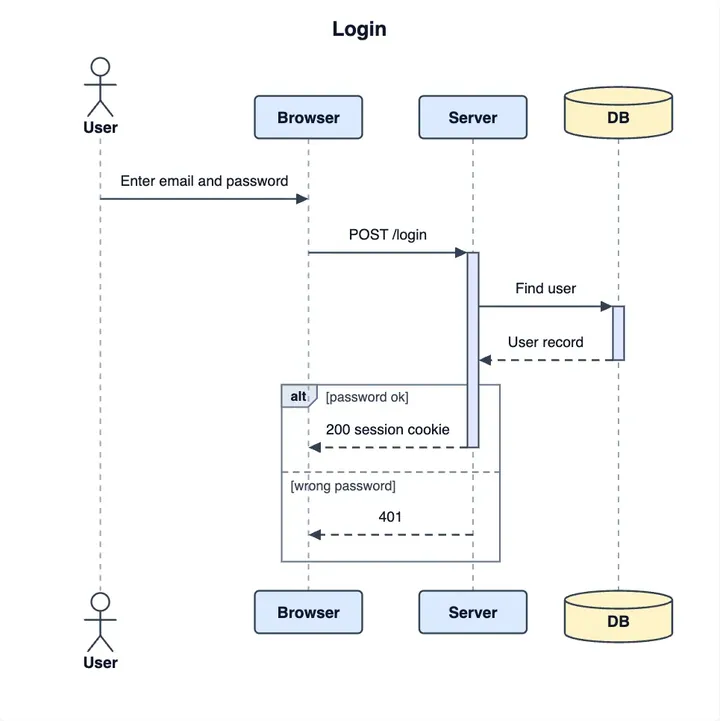
PlantUML Online Editor
Live PlantUML, no server
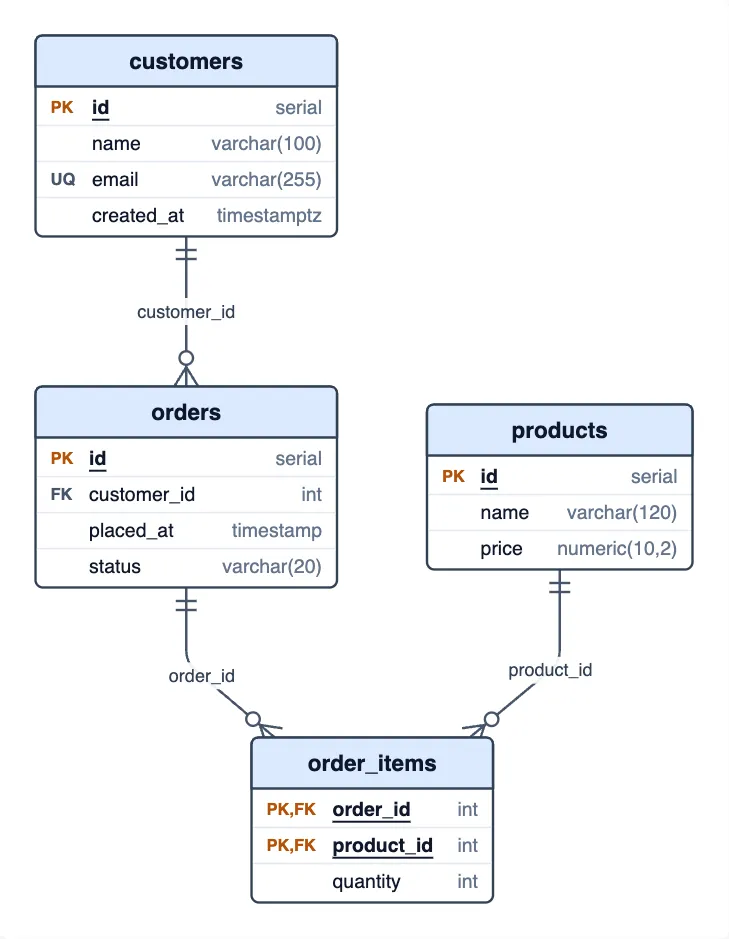
SQL to ER Diagram
Draw a schema from SQL
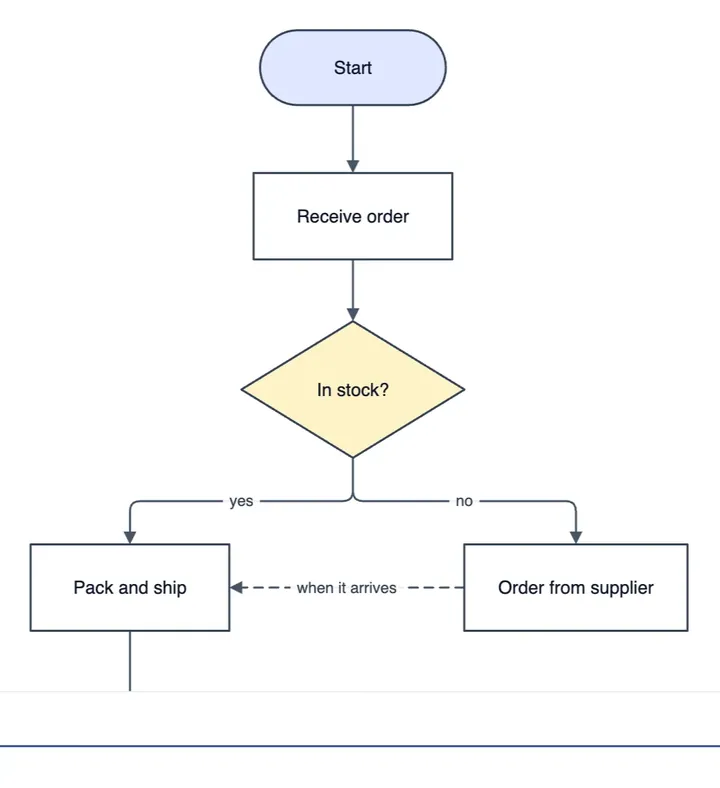
Visio Viewer
Open .vsdx files in the browser
Which one fits
| If you need to | Use | What it gives you |
|---|---|---|
| Open a .vsdx file without Visio | Visio Viewer | Reads the pages in your browser; no Visio licence needed |
| Draw a database from SQL | SQL to ER Diagram | Paste CREATE TABLE statements |
| Move Mermaid code into an editor | Mermaid to draw.io Converter | Paste Mermaid and get shapes you can edit |
| Draw an org chart from a spreadsheet | Org Chart from Excel | Paste rows from Excel or Google Sheets |
| See what a piece of code does | Code to Flowchart | Paste JavaScript, Python or pseudocode |
| Preview PlantUML with no server | PlantUML Online Editor | Draws the diagram as you write |
Tools that start from something you already have: a Visio file, SQL, Mermaid or PlantUML text, a spreadsheet or a piece of code. Each one reads it in your browser and draws the diagram for you.
Your files stay on your device: nothing is uploaded.
Frequently asked questions
Are my files uploaded?
No. Each tool reads your file or text in your browser, and your input is not uploaded to a server.
Do I need Visio to open a .vsdx file?
No. The Visio Viewer reads the pages of a .vsdx file and draws them in your browser, with no Visio licence needed.
What is free and what is Pro?
Viewing, drawing and picture exports are free. Pro adds saving a .drawio file, larger imports, and opening a Visio drawing as editable shapes.